
What this guide is
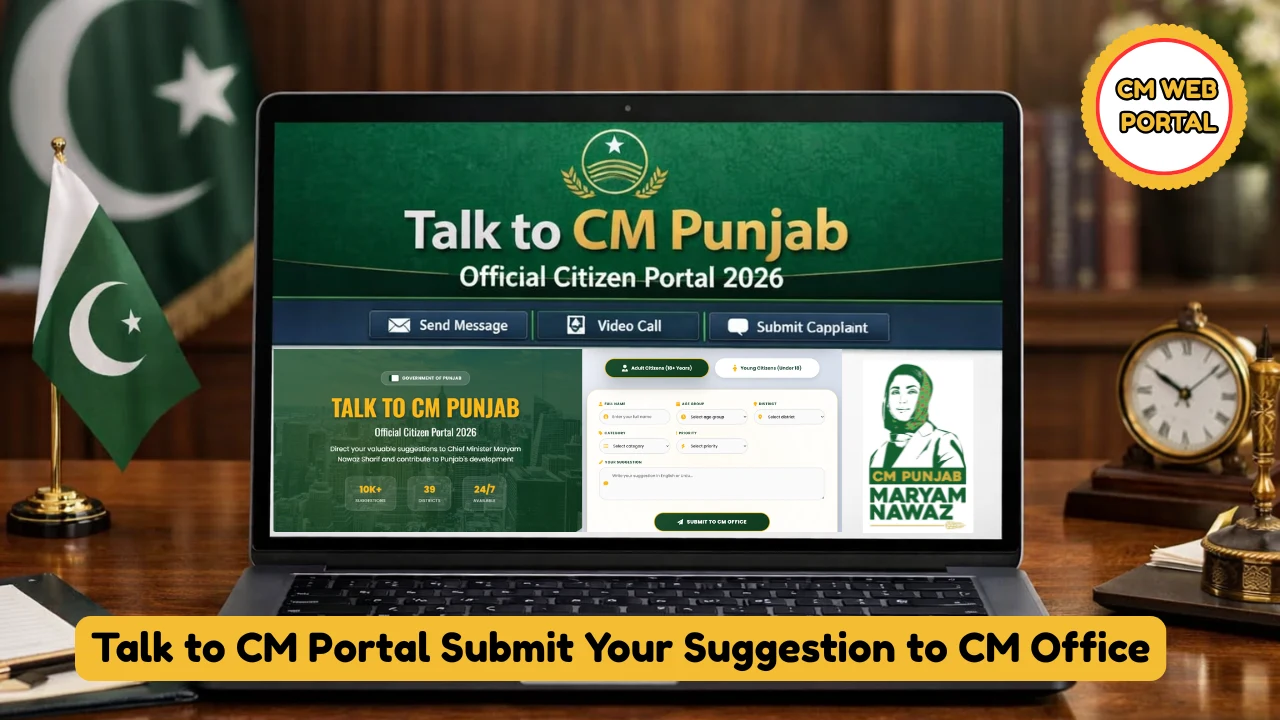
The Talk to CM portal is where Punjab residents send ideas, suggestions, and feedback directly to the Chief Minister’s Office. This guide walks you through the submission process screen by screen, so your suggestion is complete, correctly routed, and trackable. (If you want an overview of all the ways to reach the CM’s office — including complaints — see our complete contact guide.)
Official portal: talk2cm.punjab.gov.pk — background on the initiative: punjab.gov.pk/talk2cm
Before you start: have these ready
- Your CNIC (only if you are above 18 — the under-18 stream does not ask for one)
- A mobile number registered in your own name (for OTP verification)
- An email address you can access
- Your city and area — the portal routes submissions by location
- Your suggestion written out in advance: what the problem or idea is, where it applies, and what you propose (aim for clear and specific, roughly 100–300 words)
Step-by-step: submitting your suggestion
- Open the portal and pass the age gate. Go to talk2cm.punjab.gov.pk. The first screen asks you to choose “I’m 18 or below” or “I’m above 18”. Pick carefully — the portal remembers your choice, and the wrong selection causes form problems later. Students should use the under-18 stream, which is designed for them.
- Click “Let’s Start.” On the homepage you will see the portal’s main options, including Track Status (for following up later).
- Choose what you are submitting. Select idea if you are proposing something new (a policy suggestion, a development idea for your area), or feedback if you are commenting on an existing program or project. The remaining steps are the same; only the final remarks section differs slightly.
- Enter your personal details. Full name, CNIC (above-18 stream), date of birth, email, and mobile number. Complete the OTP verification if asked. Use real details — fake information causes verification failures.
- Add your location. Enter your city, area, and exact location (a map option is available). Accurate location matters: it determines which desk your suggestion is routed to.
- Write your suggestion. This is the part that decides whether your submission goes anywhere. Be concrete: name the place, describe the issue or idea, and propose a realistic solution. One focused suggestion per submission works far better than five vague ones.
- Attach supporting material if you have it. Photos or documents that support your suggestion can be attached where the option is offered.
- Submit and save your Track ID. On submission you receive a unique Track ID — write it down or screenshot it. It is the only proof of your submission.
- Track it. Return to the portal anytime, open Track Status, enter your Track ID, and see where your submission stands.
What makes a suggestion get noticed
- Specific over general: “The streetlights on Main Boulevard, Johar Town have been out for two months; installing solar streetlights would cut costs” beats “fix the lights.”
- Local and verifiable: name the area, the department involved, and what you have observed.
- Solution-oriented: suggest what should be done, not just what is wrong.
- Realistic: proposals the government can actually act on get traction; sweeping demands without a path forward do not.
Common mistakes to avoid
- Selecting the wrong age category at the gate — the portal remembers it and it breaks the form flow.
- Writing too little — a one-line suggestion with no detail is routinely set aside.
- Writing far too much — overly long submissions are not accepted; keep it focused.
- Fake or mismatched details — CNIC, name, and mobile must belong to you, or verification fails.
- Using the portal for complaints — the portal is built for ideas and feedback. For complaints about departments or officials, use the CM Complaint Center at 0800-02345 instead (see our contact guide).
After you submit
Keep your Track ID. Check Track Status on the portal periodically rather than submitting the same suggestion twice — duplicates slow the system down. If your matter is urgent or involves wrongdoing rather than an idea, use the complaint channels instead of re-submitting.
Frequently asked questions
Is there any fee for submitting a suggestion?
No — the portal is completely free.

I am under 18. Can I still submit?
Yes. Choose “I’m 18 or below” at the age gate; that stream is designed for students and does not require a CNIC.
Can overseas Pakistanis submit suggestions?
Yes — the portal is officially open to Punjab-origin overseas Pakistanis as well as residents.
How long until I get a response?
The portal lets you track status via your Track ID, but published response timelines vary by submission type. Keep the Track ID and follow up through Track Status.

Can I submit a complaint here instead?
You can describe feedback, but for formal complaints with enforcement behind them, the CM Complaint Center (0800-02345) and the Pakistan Citizen Portal are the right channels.

Sources
- Talk to CM portal — talk2cm.punjab.gov.pk
- Talk 2 CM — Punjab Portal (official page)
- Helplines — Punjab Portal (official directory)

Categories
Share This Post
Help spread the knowledge